
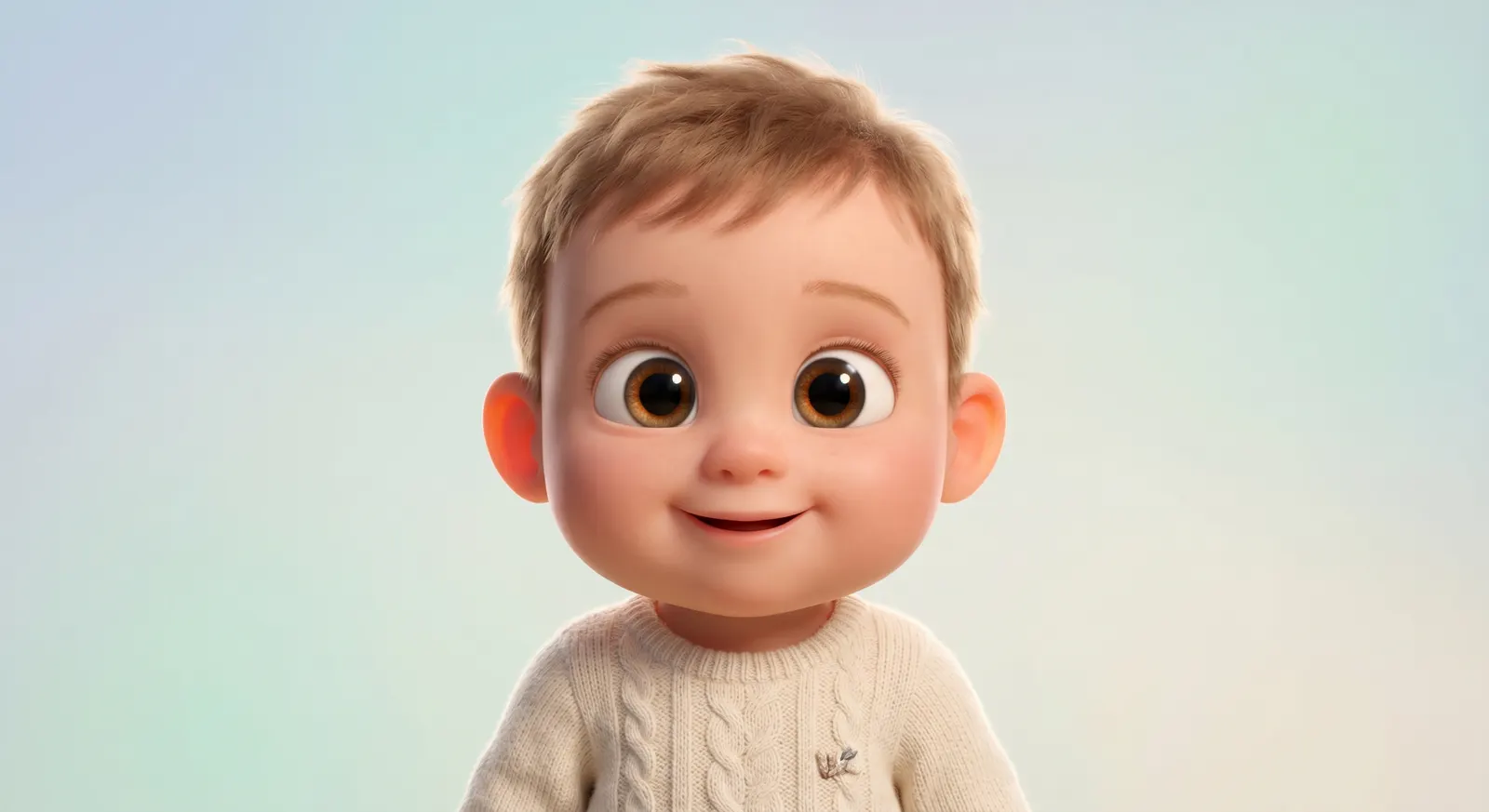
3D Animation Studio
i.Big eyes, cinematic lighting, and feature-film polish — the style that made 3D animated characters a global favorite.
Turn any baby photo into a 3D-animation portrait, watercolor storybook scene, chibi sticker, plush doll, and more. Then send your favorite into our dance video generator with one tap.
Pick from eight hand-tuned styles, each designed to keep your baby's features recognizable while adding a unique artistic flair.
Big eyes, cinematic lighting, and feature-film polish — the style that made 3D animated characters a global favorite.
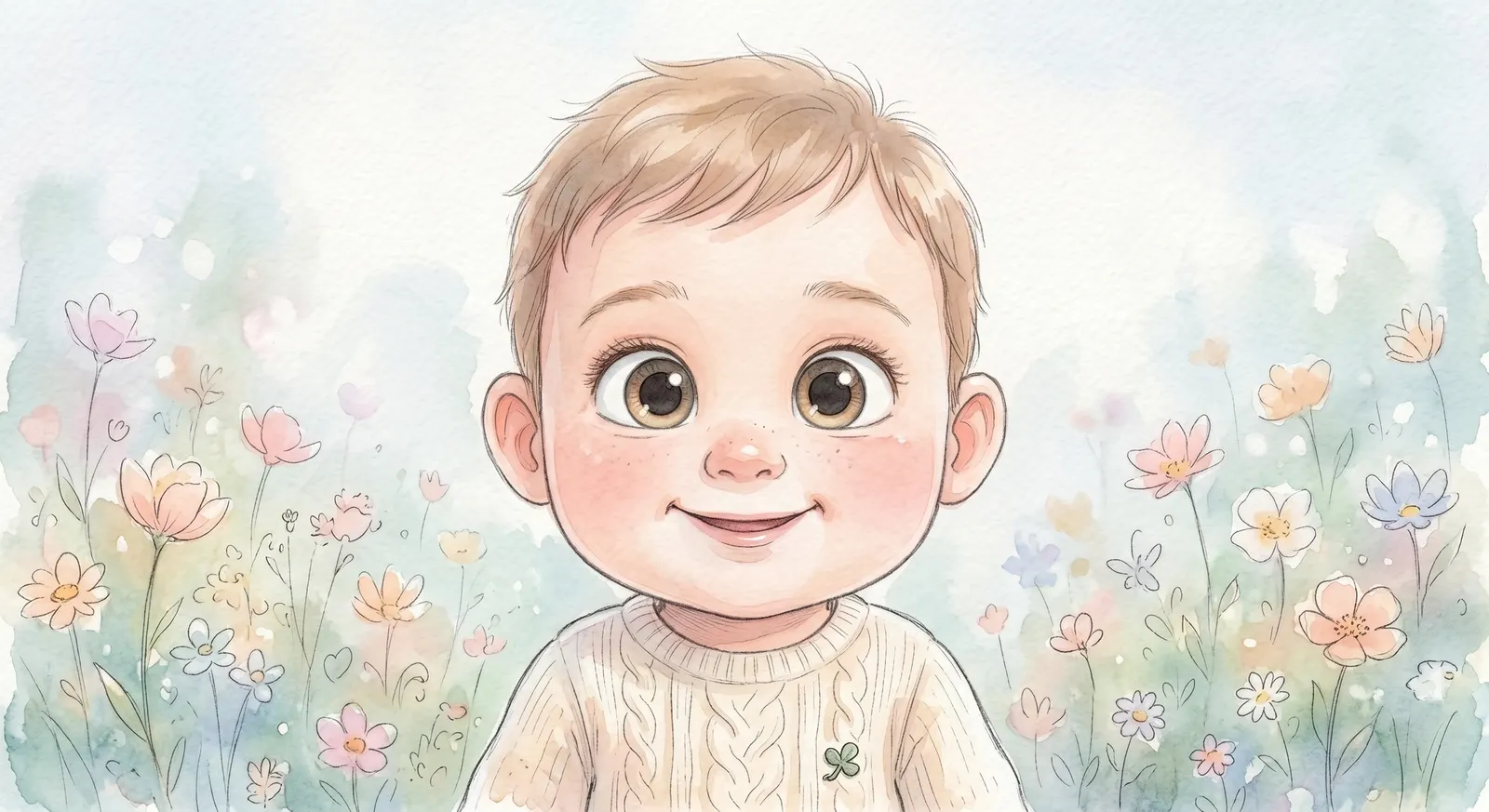
Soft watercolor washes and whimsical storybook composition — perfect for nursery prints and keepsakes.
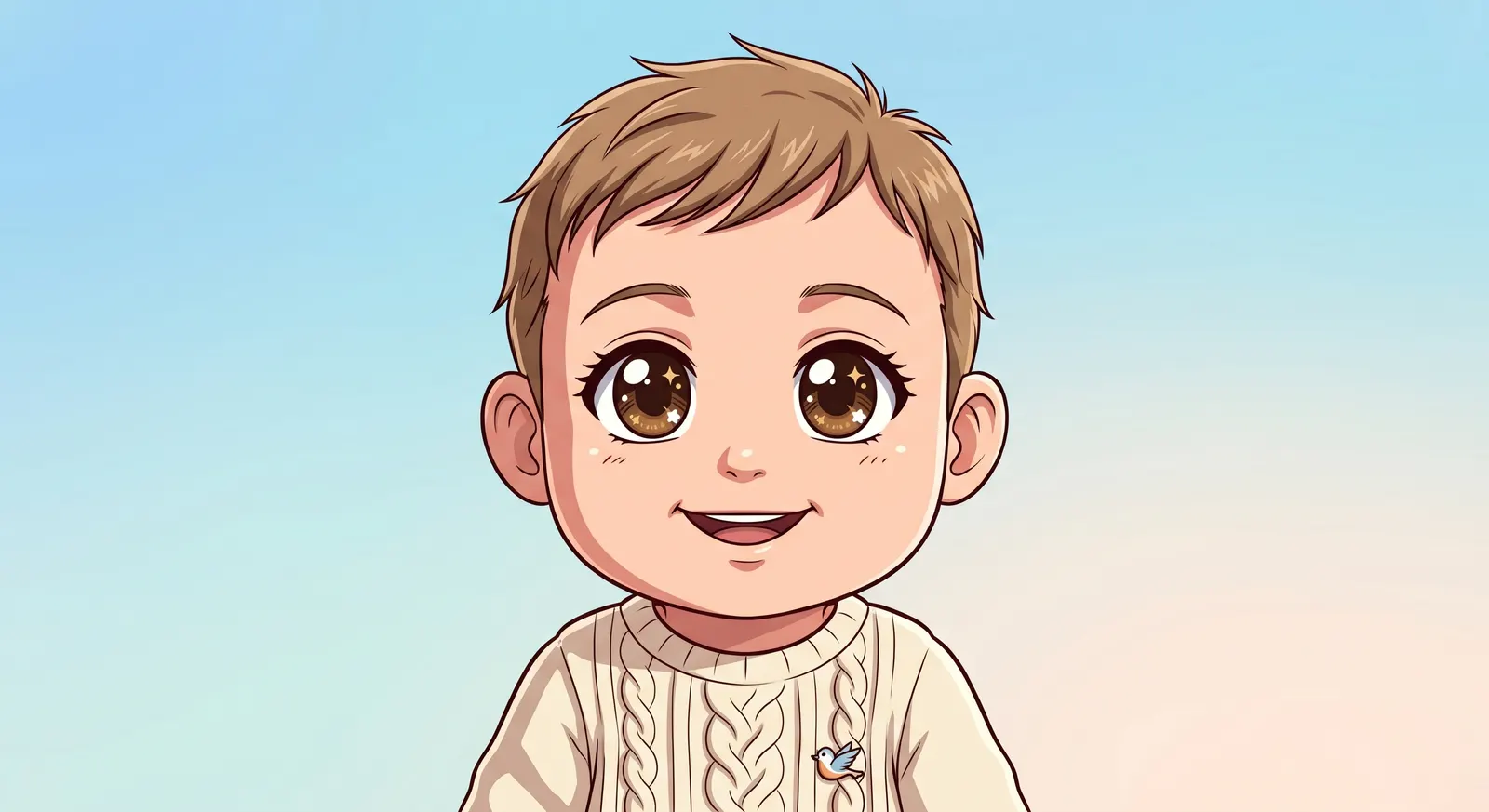
Bold line art and vibrant cel shading for that instantly recognizable anime protagonist feel.
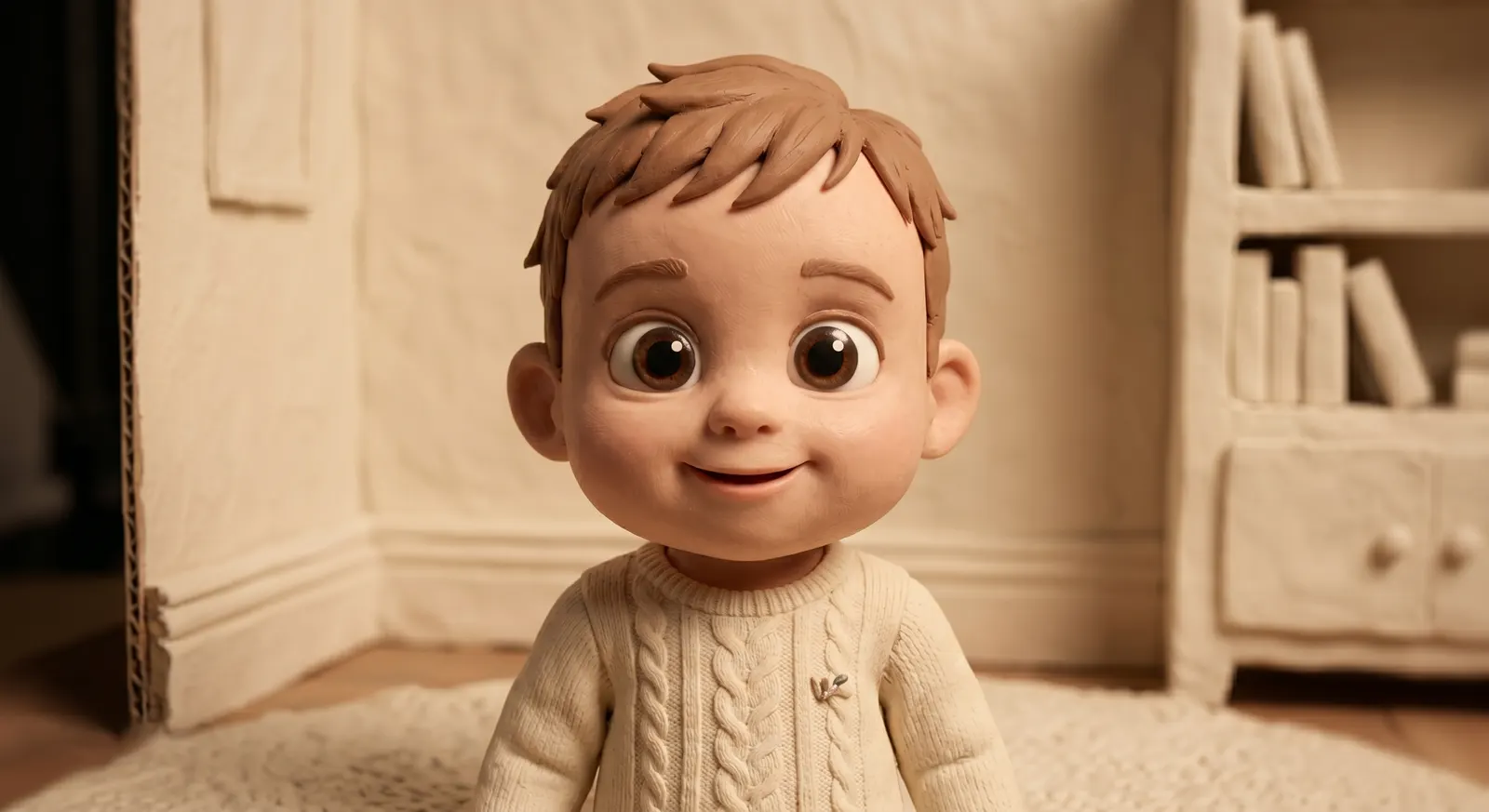
Stop-motion claymation with visible sculpt marks — handmade warmth your relatives will adore.
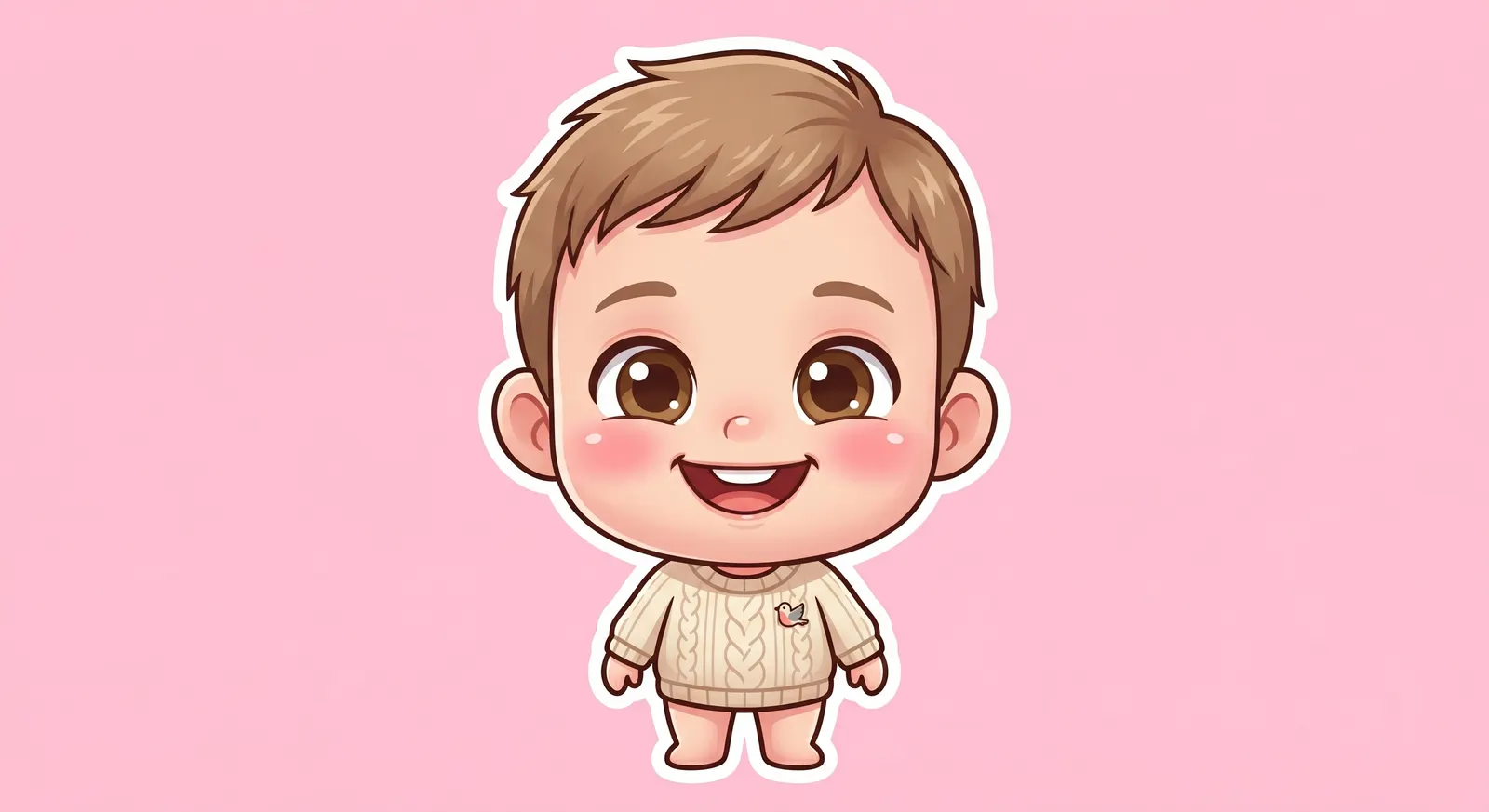
Super-deformed chibi proportions, blush cheeks, sticker-ready composition. Irresistibly shareable.
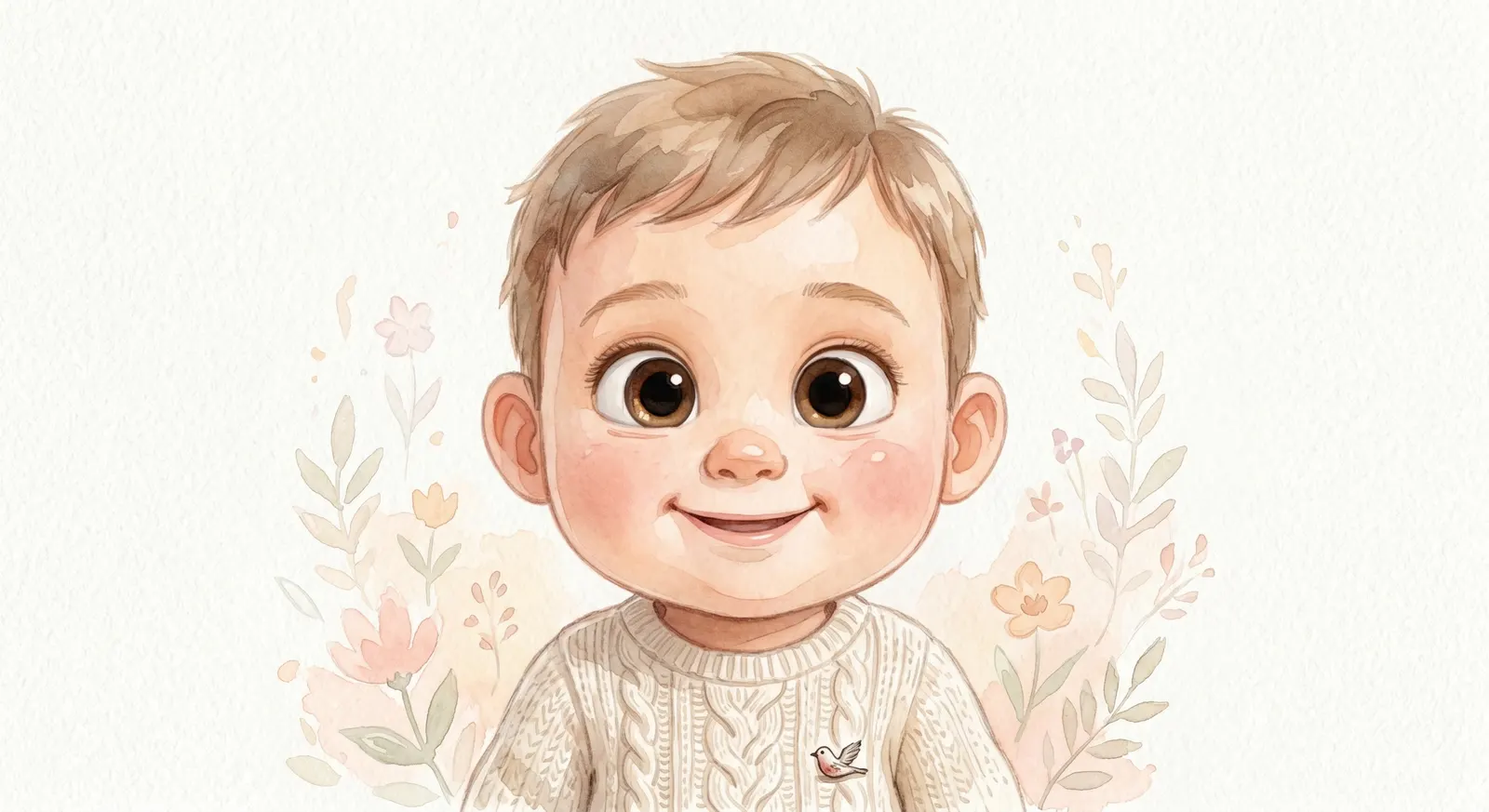
Delicate brush strokes on textured paper — gentle enough for baby books and invitation cards.
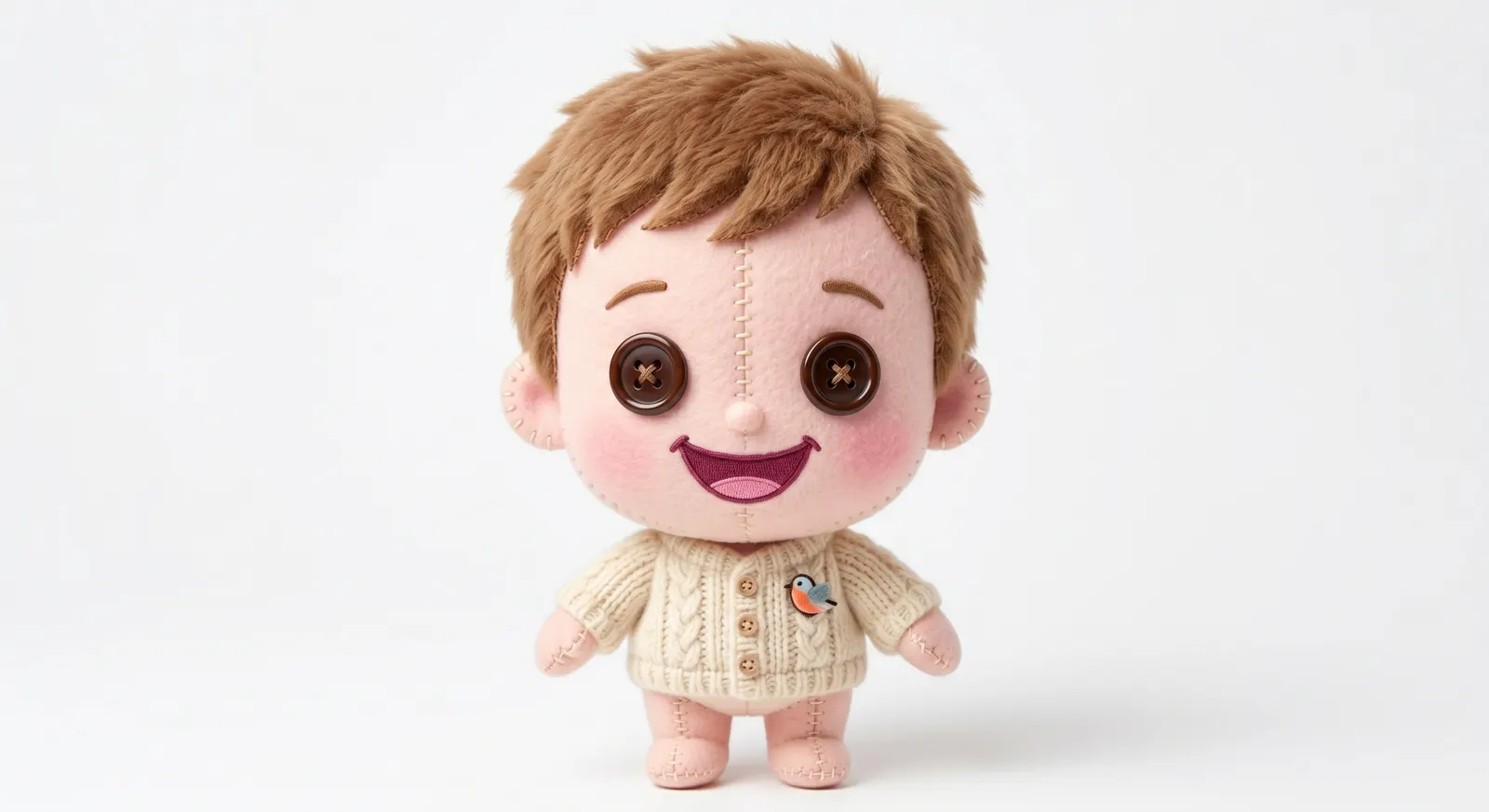
Fabric texture, stitched seams, button eyes — the plush toy version of your little one.
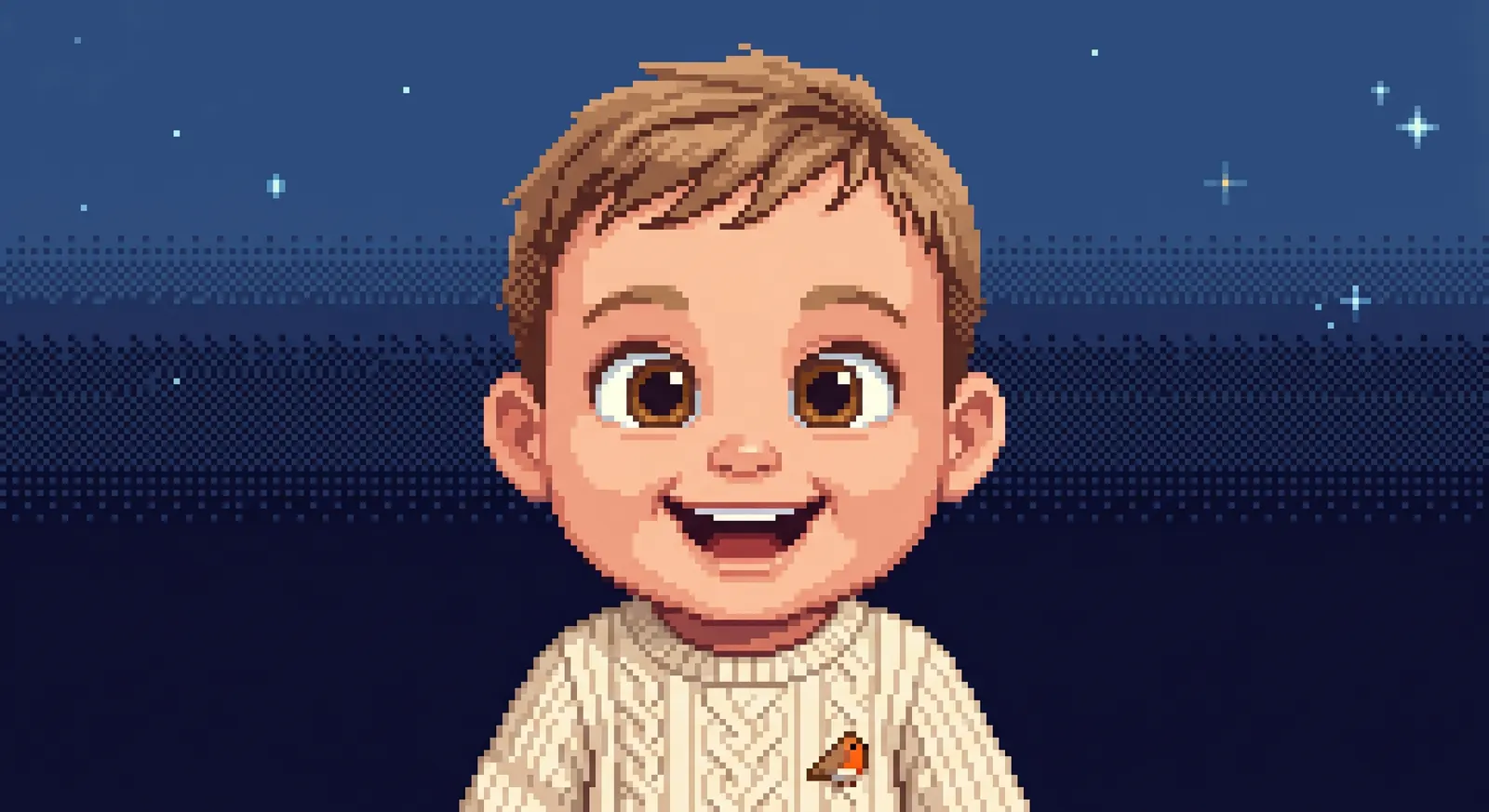
Retro 16-bit pixel art for gamer parents. A nostalgic nod to SNES-era charm.
From upload to dance video in three steps.
Drag a clear baby photo into the generator, or just describe the baby you want. Both modes work — combine them for extra control.
Eight styles, one click. Every style is tuned to keep facial features recognizable when a reference photo is provided.
Download the image, or hit 'Make them dance' to send the result straight into our dance video generator — no re-upload needed.
When you upload a clear, front-facing photo, the generator preserves key facial features — eye shape, skin tone, expression — while restyling the art. Good lighting and a high-resolution photo produce the best likeness.
12 credits for a 2K image, 25 credits for 4K. First-time visitors get a free trial credit grant on sign-up so you can try it before committing.
We use Nano Banana Pro, Google's Gemini-based image model tuned for strong identity preservation across styles.
Images you generate are yours to use for personal keepsakes, social sharing, and most commercial purposes. Please review our Terms of Service for specifics on content restrictions and eligibility.
Uploads are stored in encrypted object storage and never shared with third parties. You can delete any uploaded image from your activity page at any time.
Once the image is generated, tap 'Make them dance →'. We'll pre-load that image into the dance video generator so you can pick a template and export your video immediately.
Generate your first image in 8 styles and pick your favorite — you can also send it into the dance video generator with one tap.
Halloween collection
Pick a costume, upload a photo, and create a full-body 3D portrait. Pumpkin and skeleton looks each have their own original Halloween dance.
Open the Halloween dance studio →Two steps, charged separately: 2K image 50 credits + 5s dance at 720p 150 credits. Higher resolutions cost more. Review your portrait before generating the video.
Pick a style, attach a photo if you have one, then whisper the scene you'd love to see.
First try free⏎ to generate · ⇧⏎ for new line · Each image costs 50 credits