The Halloween collection

Halloween baby dance. Big little energy.

A pumpkin wiggle. A tiny skeleton shuffle. Create a Halloween baby dance around the face you know and love, with a playful costume and a cozy seasonal scene. Choose a look, review the portrait, then bring your Halloween baby dance to life.

  • Start with their own photo
  • Cute, not creepy

Your little star, Halloween edition

Pick a dance. Make it theirs.

Build your Halloween baby dance in stages: create the costume image first, then animate only the version you approve.

Create Halloween Dance
Upload a photo, pick a look, approve the costume, then make it dance.

Click to upload or drag photo (JPG, PNG, WebP, max 10MB)

3D costume · 9:16 · 5s motion reference · 720p

Estimated Cost:Costume 50 + dance 150 credits
Halloween Preview
Generated example

Reference music is added to this example. New generations do not include the song.

Pumpkin Boogie

A pumpkin romper, glowing lanterns, and a cozy autumn party.

Generated with BabyBoogey

Real Halloween baby dance examples

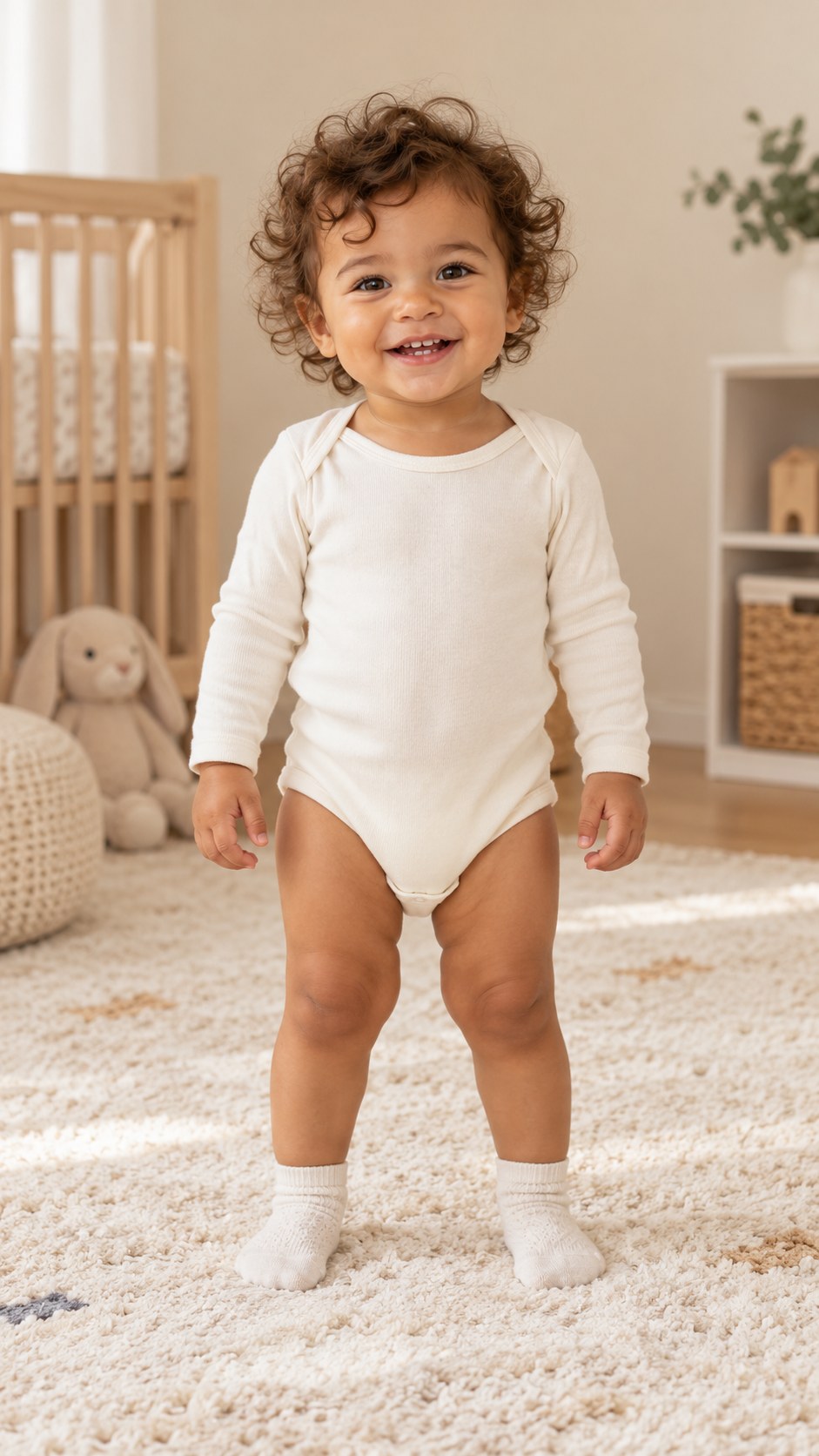
These Halloween baby dance examples use the same fictional AI baby photo, with the original reference soundtracks added after generation. Each used 50 image credits + 150 video credits. Results vary.

Shared input · fictional AI baby

Pumpkin Boogie — generated example

Original reference soundtrack · 720p · Halloween choreography

Download example

Spooky Little Shuffle — generated example

Original reference soundtrack · 720p · Halloween choreography

Download example

Two costumes. Their own character.

Find their Halloween baby dance.

Sweet pumpkin energy or a little moonlit mischief? Let their personality lead.

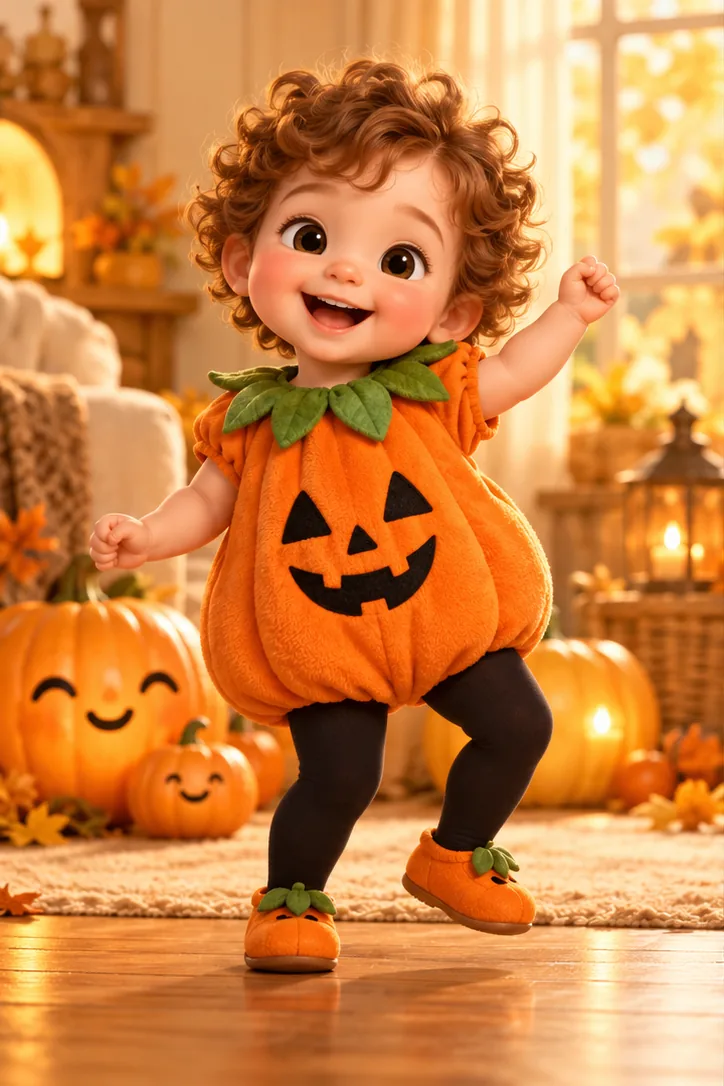
AI concept of a baby in a pumpkin romperAI concept

01 / The cozy one

Pumpkin Boogie

Choose this Halloween baby dance for warm lantern light, a soft orange romper and a room that feels ready for a family party. The green leaf collar adds a playful detail while leaving the face uncovered.

The movement direction is a gentle wiggle with small steps and relaxed arms. A single baby stays at the center of the frame, with enough space around the outfit for the silhouette to read clearly.

For a first Halloween baby dance, keep the background simple: a few smiling pumpkins, warm colors and no crowded party scene. Use the concept as a starting point, then check the generated portrait before spending credits on motion.

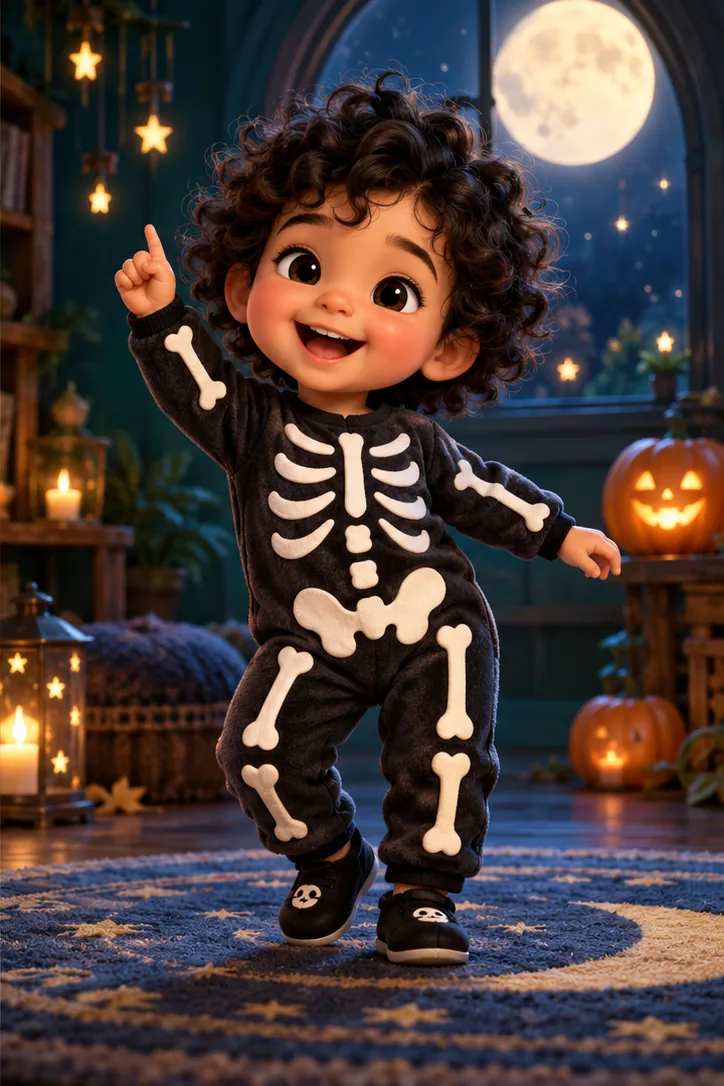
AI concept of a baby wearing a skeleton jumpsuitAI concept

02 / The playful one

Spooky Little Shuffle

This Halloween baby dance brings the classic dancing-skeleton mood to a cozy skeleton suit and an uncovered, smiling face.

Think playful arm movements and small rhythmic steps, framed by moonlight and pumpkin lanterns. The Halloween baby dance direction keeps the mood friendly, with no masks, frightening faces or sudden scares.

Choose this Halloween baby dance if you prefer a darker palette and a more mischievous character. The illustration shows the costume and setting; generated movement can vary, so review each clip before you save it.

Halloween baby dance concept artwork, not a result generated from your photo.

Small steps. Sweet memories.

How your Halloween baby dance comes together

  1. 01

    Start with one clear photo

    Your Halloween baby dance begins with a well-lit picture of one baby. Choose a visible face and an uncluttered frame. You do not need to buy an outfit or record a real dance.

  2. 02

    Review the costume first

    Create the image for your Halloween baby dance, then look closely at the face, hands and clothing. If something feels wrong, improve the portrait before moving to the video step.

  3. 03

    Add movement when ready

    Animate the approved image to make your Halloween baby dance. Review the whole clip before saving it, including the first and last frames. Image creation and video generation are separate requests.

A better photo is a better beginning

Keep their little face in the picture.

A Halloween baby dance works best when the reference gives the model a clear view of your child. Start with a recent photo that looks like them, rather than a heavily filtered portrait.

For your Halloween baby dance, face visibility matters more than a dramatic pose. Soft daylight, open eyes and a natural expression give you a useful starting point.

Your photo checklist

  • One baby, one clear subject. Crop out other people before you upload.
  • Show the face. Avoid sunglasses, masks, large hats and objects covering the cheeks or eyes.
  • Leave room for the costume. A full-body photo can help frame the hands and feet for your Halloween baby dance.
  • Choose the sharper image. Avoid motion blur, strong backlighting and tiny screenshots with little facial detail.

If your Halloween baby dance portrait changes important features, try another source photo. AI can alter likeness, proportions and small details; reviewing the image is part of the process.

The small details make it theirs

Give your Halloween baby dance room to move.

Keep both hands and feet visible in the costume image. A Halloween baby dance needs space around the body, especially when arms lift or feet step sideways. A simple background also makes it easier to notice distorted fingers, shifting clothing or unexpected objects.

For a softer Halloween baby dance, choose warm lights and a pumpkin outfit. For a playful nighttime look, choose the skeleton suit and moonlit setting. Review the image as a still portrait first: if it feels recognizable, clear and balanced, you have a better starting point for the Halloween baby dance video.

Let the costume do the storytelling. Keep your Halloween baby dance cheerful, with an open face and gentle movement instead of dramatic effects.

Explore more Halloween baby dance ideas in our baby dance prompt guide, or create a different portrait with the AI baby image generator.

Made to become a little memory

A Halloween baby dance worth watching twice.

A short Halloween baby dance can become a greeting for grandparents, a family group message or a seasonal clip on your own profile. Choose the audience before adding captions or music.

Keep your Halloween baby dance caption simple: a first Halloween, a favorite costume or a little family joke. Leave text away from the face and feet, and review how the vertical frame looks inside your chosen app.

Music is not included with the video. Add music that you have permission to use, and check the sound options available to your account. Before sharing your Halloween baby dance, watch it once with sound and once without.

A few things to know

Halloween baby dance questions, answered.

Know what to prepare, what to review and where the credits go.

What is a Halloween baby dance generator?

A Halloween baby dance generator uses a reference photo to create a seasonal costume image and animate it. BabyBoogey separates those steps so you can review the portrait before requesting movement.

Does my baby need to wear a costume?

No. The Halloween baby dance image step adds the selected outfit and scene. Use an ordinary photo with a clear face. Check that the costume fits the character and that the hands remain visible before creating your Halloween baby dance video.

Will the face look exactly like my baby?

A Halloween baby dance uses the photo as a reference, but exact likeness is not guaranteed. AI may change facial details, hair or proportions. Review the portrait carefully and choose another photo if the result does not feel right.

How much does a Halloween baby dance cost?

A Halloween baby dance uses 50 credits for the 2K costume image and 150 credits for the 5-second, 720p video. The 50 credits are charged when the costume image is created; the other 150 only if you animate it.

Can I create a Halloween baby dance with two babies?

These two looks are designed around one baby. A Halloween baby dance with twins or a group would need a different composition and separate testing. Start with an individual photo so the face and moving body are easier to evaluate.

Does the video include Spooky Scary Skeletons music?

The Halloween baby dance examples include the original reference music. New generations do not automatically include these songs; add music you have permission to use after creating your clip.

Can I use my Halloween baby dance after October?

Yes, a Halloween baby dance can still be a family keepsake after the holiday. Save the final clip somewhere you control rather than relying on a temporary result link. The costume idea can also inspire a future party greeting.

How long is a Halloween baby dance video?

Each Halloween baby dance uses a 5-second motion reference and a 9:16 vertical frame at 720p. The model may return a shorter clip; the video request costs 150 credits.

Their next little moment

Ready for a Halloween baby dance?

Pick the look that feels like them. Start your Halloween baby dance with a clear photo and a little imagination.

Make my baby dance
Make my baby dance