Baby boogie AI is the simple idea behind the viral dancing baby trend: upload one baby photo, choose a dance style, and let AI create a short baby boogie video you can share with family or post to social media.
People search for the same idea in a few different ways: baby boogie AI, baby boo dance AI, AI baby dance generator, dancing baby maker, and turn photo into dancing baby. The workflow is the same. You start with a clear photo, pick a motion style, generate the clip, and keep the result that looks natural.
If you want to try it now, open the AI baby dance generator. If you want a no-sign-up path first, see the free AI baby dance video generator.
What Is Baby Boogie AI?
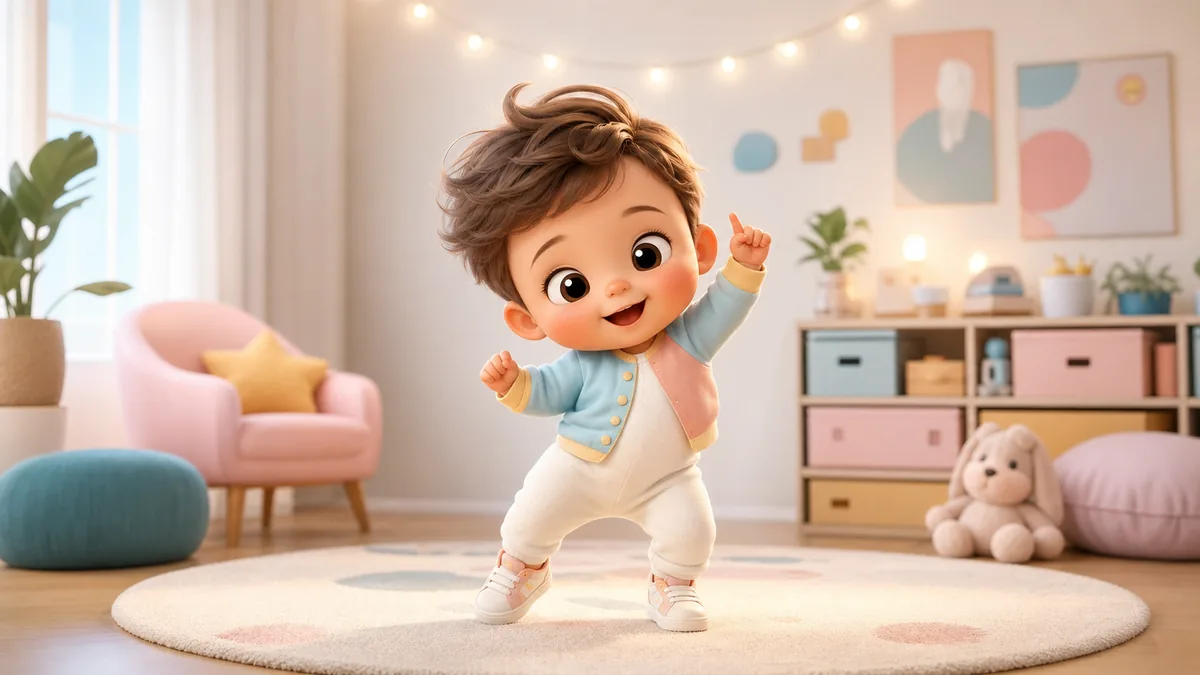
Baby boogie AI is not a separate technical category. It is a search phrase people use for AI tools that animate a baby photo into a short dance video.
A good baby boogie AI tool should do four things well:
- Keep the face recognizable.
- Make the motion feel cute instead of chaotic.
- Work from a normal phone photo.
- Export a short clip that is easy to share.
BabyBoogey is built around that exact workflow. It is baby-specific, so the templates are tuned for playful movement, family-friendly results, and simple upload-to-video creation.
How to Make a Baby Boogie AI Video
1) Pick a clear baby photo
The source photo is the biggest quality lever. Use a photo where the face is easy to see, the lighting is soft, and the background is not too busy.
Good input photos usually have:
- Eyes, nose, and mouth visible.
- No hands, toys, pacifiers, or blankets covering the face.
- Even lighting without hard shadows.
- Enough shoulder or upper-body detail for dance motion.
- A clean background.
For a deeper checklist, use the 1-minute baby photo checklist.
2) Choose a baby-friendly dance style
Not every dance style fits every photo. A close-up portrait usually works better with gentle bouncing, cute head movement, or small expressive gestures. A full-body photo can handle stronger motion, faster steps, and bigger choreography.
Start with a safe template first. Once you have one stable baby boogie video, try a more energetic style.
3) Generate the first clip
Upload the image, pick the template, and generate. Most users should treat the first output as a preview, not the final answer.
Look for:
- Is the face still recognizable?
- Does the motion match the crop?
- Does the background stay stable?
- Is the clip short enough to replay well?
4) Fix the input before retrying
If the baby boogie video looks strange, do not immediately keep changing prompts. Fix the input photo first.
Common fixes:
- Face flicker: use softer lighting and a clearer face.
- Odd body motion: choose a photo with shoulders or torso visible.
- Messy background: use a simpler photo.
- Too much motion: choose a calmer dance template.
Baby Boogie AI Prompt Ideas
If you use a general AI video tool that asks for text, a prompt can help. Keep it short and specific.
Try these:
- "Adorable baby doing a cute baby boogie dance, cheerful smile, soft indoor lighting, smooth motion, family-friendly, HD quality."
- "Happy toddler doing a playful boogie dance, colorful party background, gentle bouncing movement, natural face, short social video."
- "Baby doing a funny dance wiggle, warm living room, clean background, cute expression, smooth camera, safe family video."
- "Little baby doing a soft disco boogie, pastel nursery room, tiny hand waves, bright smile, realistic motion."
- "Cute baby dancing to a happy beat, simple background, natural face preservation, playful baby boogie style."
For a larger prompt library, use the baby dance AI prompt guide. If you are specifically working with Seedance, see the Seedance baby dance prompt ideas.
Best Use Cases for Baby Boogie Videos
Family messages
A short baby boogie clip works well for birthdays, grandparents, holiday greetings, and family group chats. Keep the video short and cute. The best clips are easy to understand in the first second.
Social posts
For TikTok, Reels, and Shorts, use a vertical crop when possible. Pick a dance with a strong first movement and keep the background simple.
Keepsakes
Some parents use baby boogie clips as a small digital keepsake next to photos and short family videos. For keepsakes, prioritize a natural face over exaggerated movement.
Safety and Privacy Checklist
Before uploading or sharing a baby photo, do a quick privacy check:
- Avoid photos with addresses, school names, documents, or location clues.
- Do not upload images that include other children without permission.
- Use a photo you would be comfortable sharing with the intended audience.
- Review the output before posting publicly.
- Read the Privacy Policy and Terms of Service if you are unsure.
Baby Boogie AI vs General AI Dance Tools
General AI dance tools are often built for full-body adult photos, avatars, memes, or creator videos. They can be powerful, but they are not always tuned for baby photos.
Baby-specific tools have a narrower job:
- Keep the baby face cute and recognizable.
- Prefer family-safe motion styles.
- Make the workflow simple for parents.
- Reduce the need for prompt writing.
That is why BabyBoogey focuses on baby dance templates instead of asking every user to write a long prompt from scratch.
Quick Start
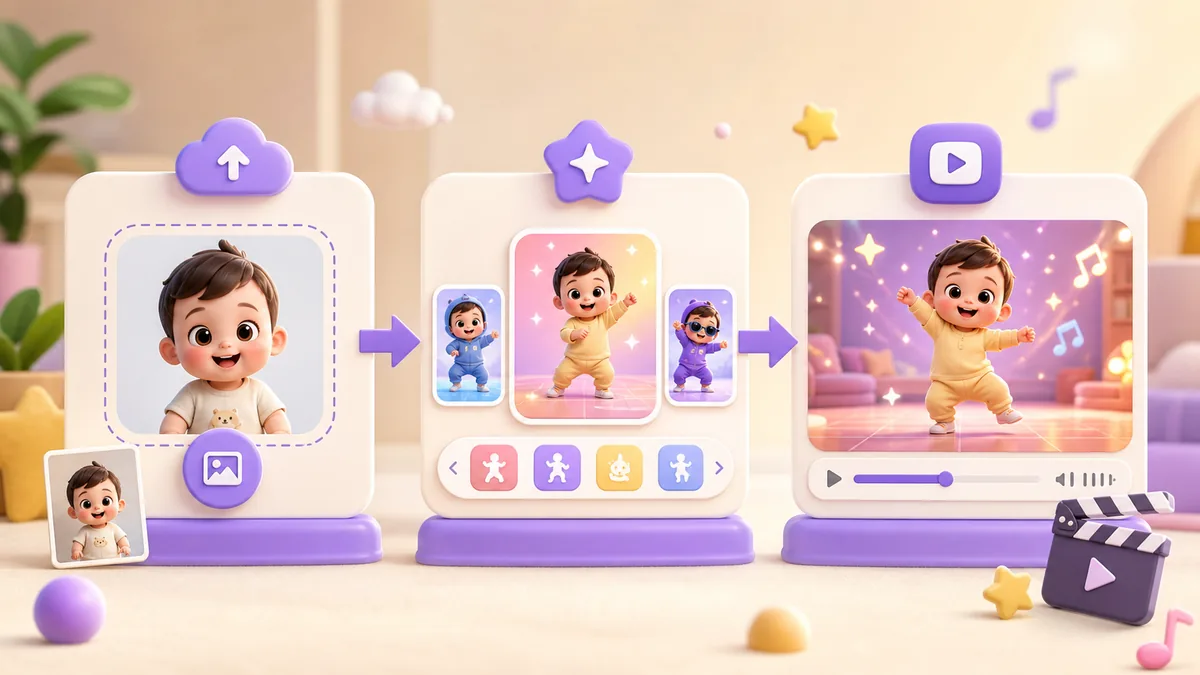
Use this simple path:
- Open the BabyBoogey generator.
- Upload a clear baby photo.
- Pick a gentle baby boogie template.
- Generate a short clip.
- If needed, retry with a clearer photo or calmer motion.
For the full step-by-step workflow, read how to make an AI baby dance video from a photo.
Editorial Note
This guide is maintained by the BabyBoogey product and safety editors. The recommendations come from hands-on generator workflows, repeated review of common failed-photo patterns, and privacy checks specific to family-friendly baby dance videos.
We intentionally prioritize recognizable faces, moderate motion, short clips, and safer sharing over exaggerated effects.
Baby Boogie AI FAQ
Final Takeaway
Baby boogie AI is just a fun, search-friendly name for turning one baby photo into a cute dancing video. The winning formula is simple: clear photo, gentle first template, short clip, and privacy-aware sharing. Start with BabyBoogey, then branch into prompts only if you want more control.